The Onboarding Tool: Building Jamf Onboarding Configs Without Hand-Edited XML
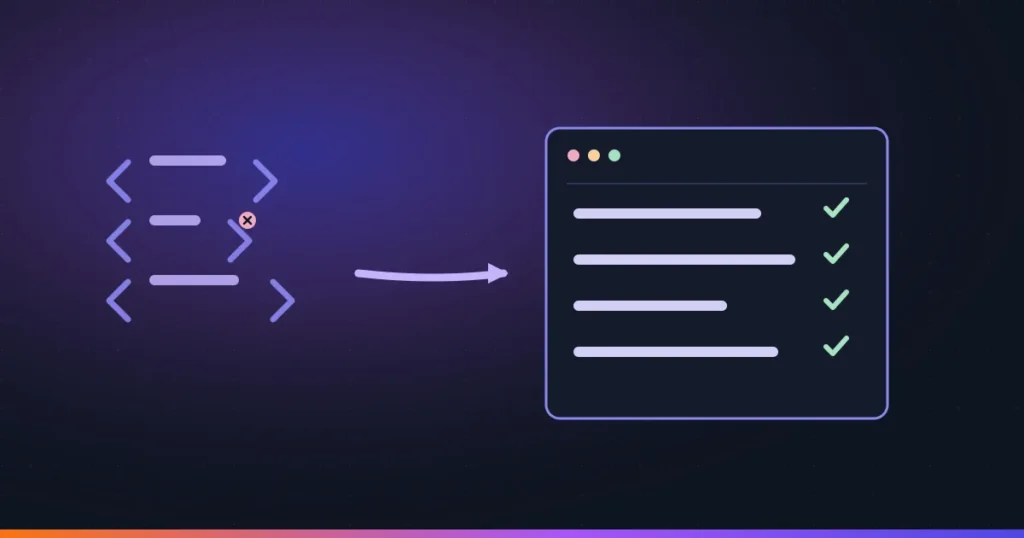
Building a Jamf Setup Manager or Setup Checklist configuration has always meant one of two things: hand-editing a custom settings payload’s raw XML, or clicking through Jamf Pro’s UI and hoping you remembered every key. Neither approach tells you what a key does, what values it accepts, or what a typo in it will silently break. The Onboarding Tool (TOT) is a free, native macOS app that replaces that guesswork with a guided form — and after going through it, it’s the kind of small, focused utility that quietly removes an entire category of enrollment-day mistakes.
Key takeaways
The Onboarding Tool is a free, signed-and-notarized macOS app that generates the configuration plists for Jamf Setup Manager and Setup Checklist through a guided form instead of hand-edited XML. Every documented key ships with plain-language help, a live syntax-highlighted plist preview, and a workflow preview that shows what the end user will actually see. It runs entirely offline — a Jamf Pro connection is optional — and it produces standard configuration output, so it changes nothing about how Setup Manager or Setup Checklist behave once deployed.
The problem it solves
Jamf Setup Manager (the enrollment workflow engine) and Setup Checklist (the first-login checklist and Welcome screen) are both configured through custom settings payloads — structured key/value data with no built-in validation and no inline documentation. Getting a key name slightly wrong doesn’t throw an error; it just doesn’t do anything, and you find out during a test enrollment or, worse, during a real one. Every admin who’s built one of these configurations has done the same thing at least once: cross-referencing a PDF or a web page in one window while typing raw values into a text field in another.
What it actually is
TOT is a Swift and SwiftUI app with two dedicated editors, one for each onboarding surface:
- Jamf Setup Manager editor — every documented key for the enrollment workflow engine, presented as form fields instead of raw text.
- Jamf Setup Checklist editor — the same guided approach for the first-login checklist and Welcome screen configuration.
Three things make the editors more than a prettier text box. Every row carries plain-language help text, so you’re not context-switching to documentation mid-edit. A live plist preview with syntax-highlighted XML shows exactly what’s being generated as you fill in the form, so there’s no mystery about the output. And a workflow preview renders an approximation of what the enrolling user will actually see — useful for catching a confusing screen order or an unclear label before it ships to a fleet.
Other details worth knowing
- Icon browser across app catalogs, anything already uploaded to your Jamf Pro instance, and SF Symbols — one place to find an icon instead of hunting for image files.
- Validation warnings flag common mistakes before you export, rather than after a failed enrollment tells you.
- Localization support with a built-in translation framework, for fleets that aren’t all in one language.
- Works fully offline — a Jamf Pro connection is optional, so you can build and review a configuration on a plane with no API calls involved.
Getting it running
The app installs from a signed and notarized .pkg off the project’s Releases page, straight into /Applications. It requires macOS 15 Sequoia or later, so it’s not something you’ll run on an older admin workstation without an upgrade. Its only third-party dependency is the TelemetryDeck SDK for optional analytics — nothing your configuration data has to pass through to work. It ships under the Jamf Concepts Use Agreement rather than a standard open-source license, which is worth actually reading before you fork it or redistribute a modified build inside your org.
Where it fits in the workflow
TOT doesn’t talk to devices and it doesn’t replace Jamf Pro — it produces the same configuration output you’d otherwise hand-build, and you still deploy that through Jamf Pro’s custom payload the way you always have. Think of it as a local authoring tool rather than a fleet-managed one: it lives on the admin’s Mac, not in the Jamf Pro server, and its job ends the moment the plist is correct. That makes it a natural fit for the design-and-review phase of an onboarding project — build the configuration in TOT, use the workflow preview to sanity-check the actual user experience, then push the finished payload through Jamf Pro to your pilot Smart Group the same way you’d deploy anything else.
Bottom line
Nothing about Setup Manager or Setup Checklist changes because of this tool — that’s the point. TOT just removes the part of the process that was never really about configuration logic in the first place: remembering exact key names, hand-typing XML, and finding out about a typo only after a test device enrolls wrong. For anyone building or maintaining a Mac onboarding experience in Jamf Pro, it’s a small utility that replaces a genuinely tedious, error-prone step with a form that tells you what you’re doing as you do it.